
MONTREAL COLLEGE OF INFORMATION TECHNOLOGY
6 user interface exercises
(This page to be concluded)
Montreal College
of information technology
Problem
Montreal College IT Website in its present setup did not provide global accessibility to its content for all its users. There were very looming functionality lapses that gravely affected the user delight.
Team: Joseph John a team of Designers & Developers
Role : Analyse User behaviour, Stakeholder interviews, ideation & product realignment to meet customer delight levels.
Time: Ongoing
Secondary analysis, Heuristics, Redroutes, Problem statements,
Gestalt & Building Mockups.
Using Gestalt methods to redefine the MCIT Menu system
Montreal College IT with over 200 content heavy pages had an unique problem. Return visitors & exit rates. While the return rates were lower than 20 % the exit rates were very high. Since most visitors were exiting at the source, we decided to find a solution at that point.
Retaining the existing landing page structure and tweaking the navigation to retain users on the system resulted in revamping the menu system.
Heuristics applied
1. Visibility of system status
2. Consistency & standards
3. user control & freedom
4. Recognition /recall
5. Efficiency of use
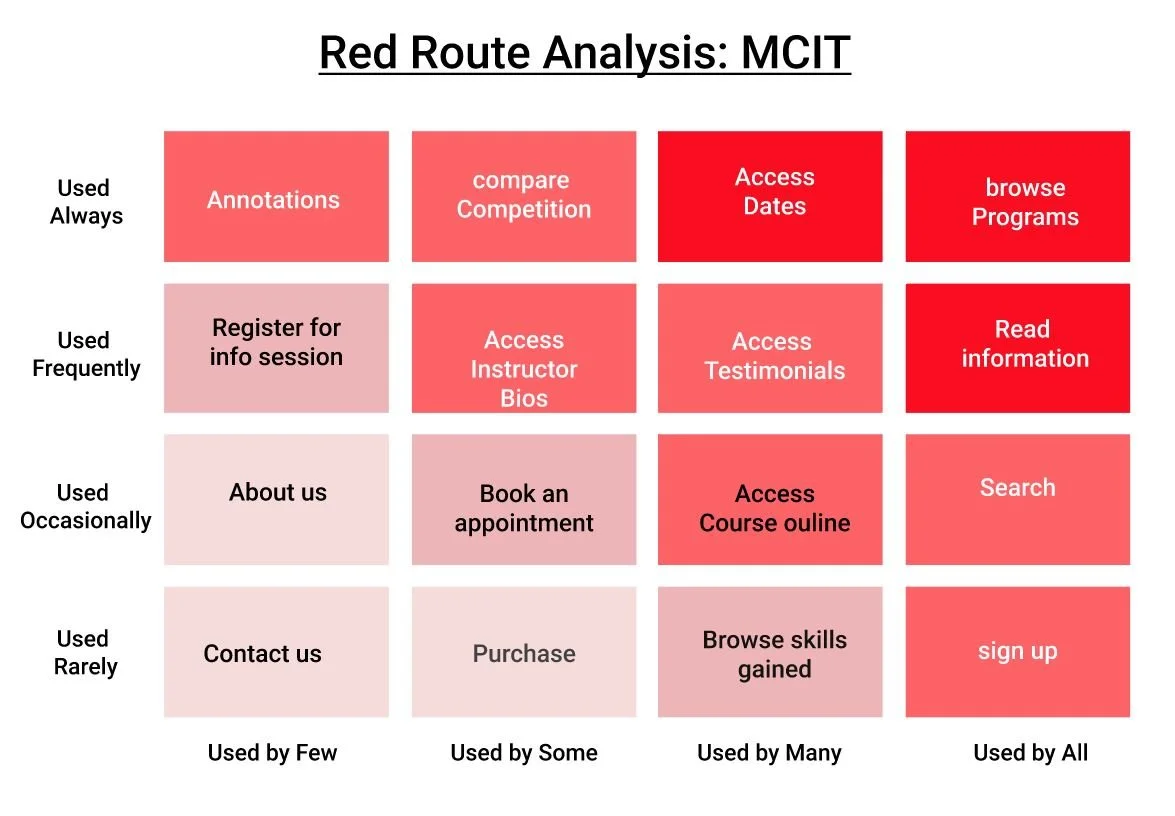
Constraints
Too much information
A large section of product listings
User finds it hard to process information
User does not see a final purpose
Scrolling info
Categorise info
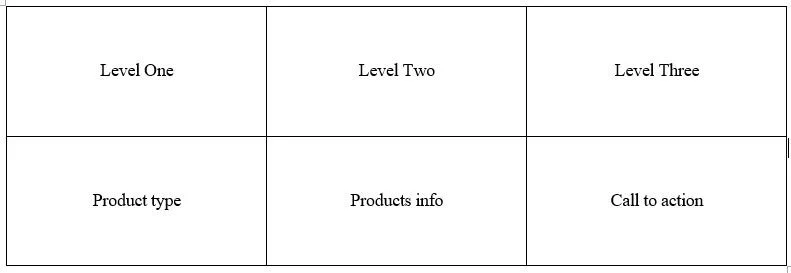
Categorising the labels into three levels.
The levels could be accessed horizontally.

Populating the levels with the respective info
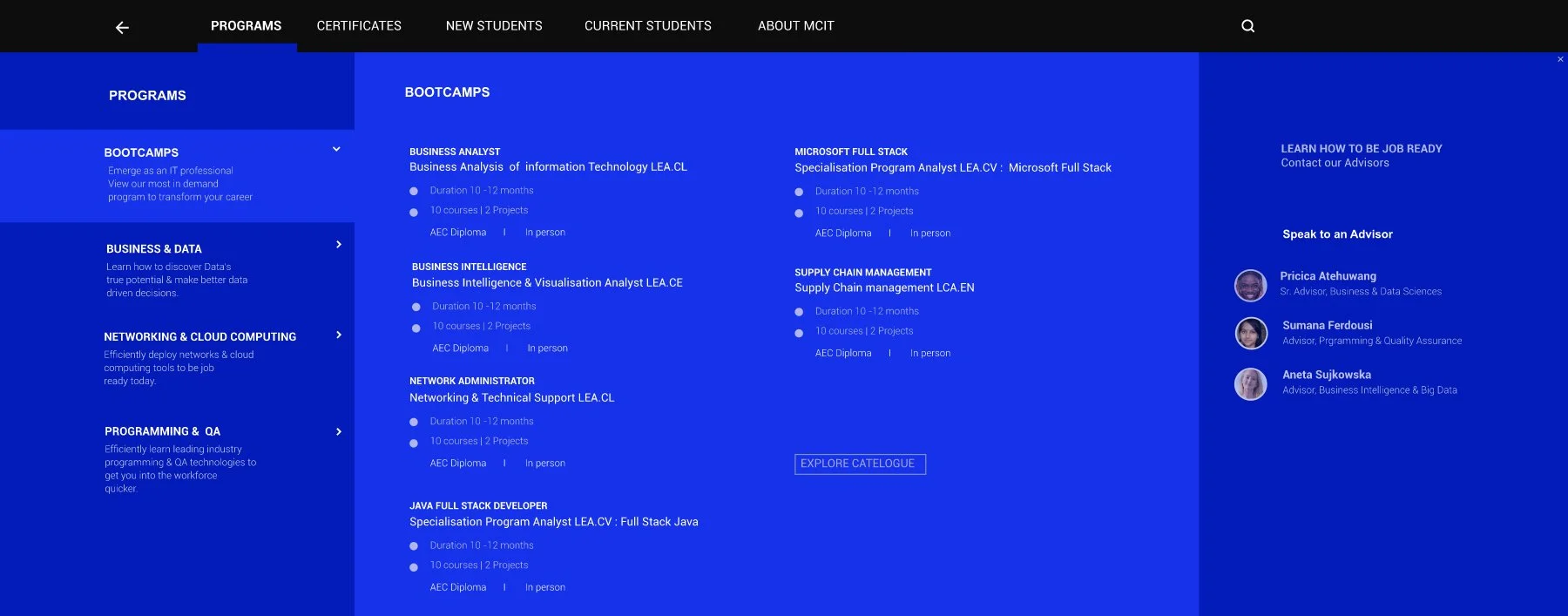
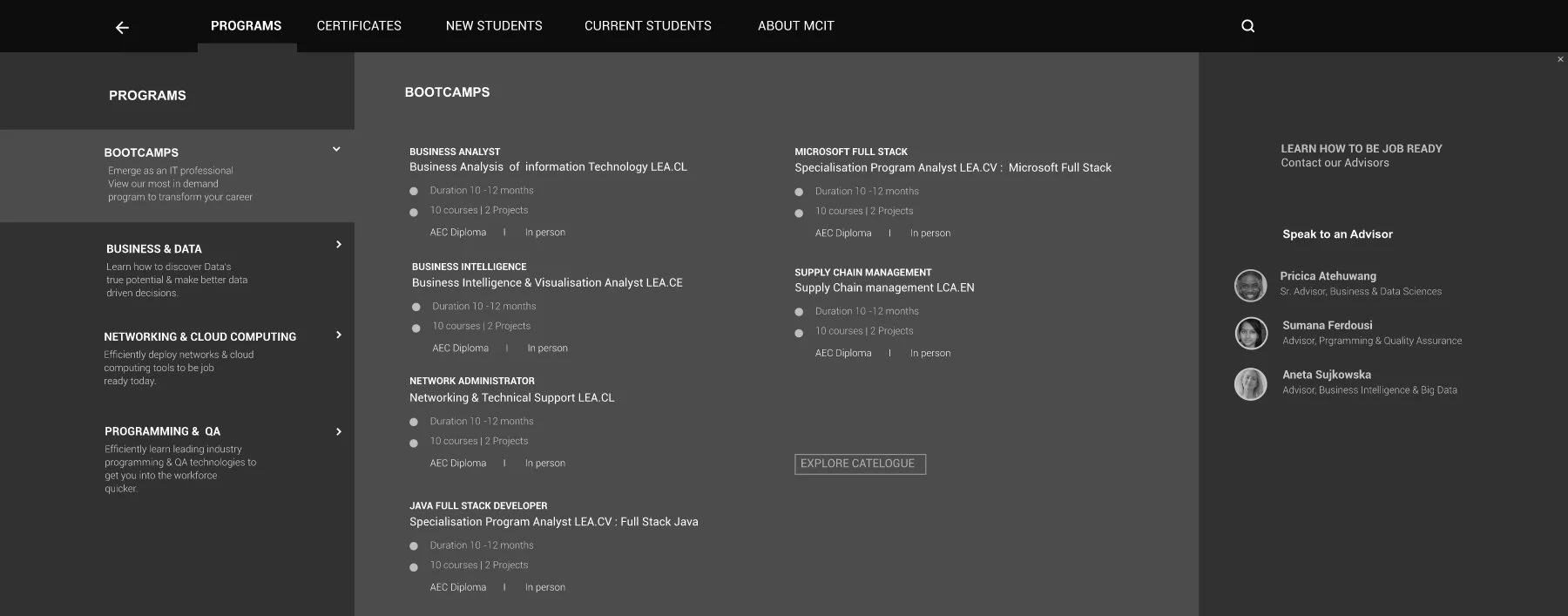
MCIT Full page Menu system
The Menu had a lot of information & product listing, thus it was devised like a “landing Page”. View larger file.
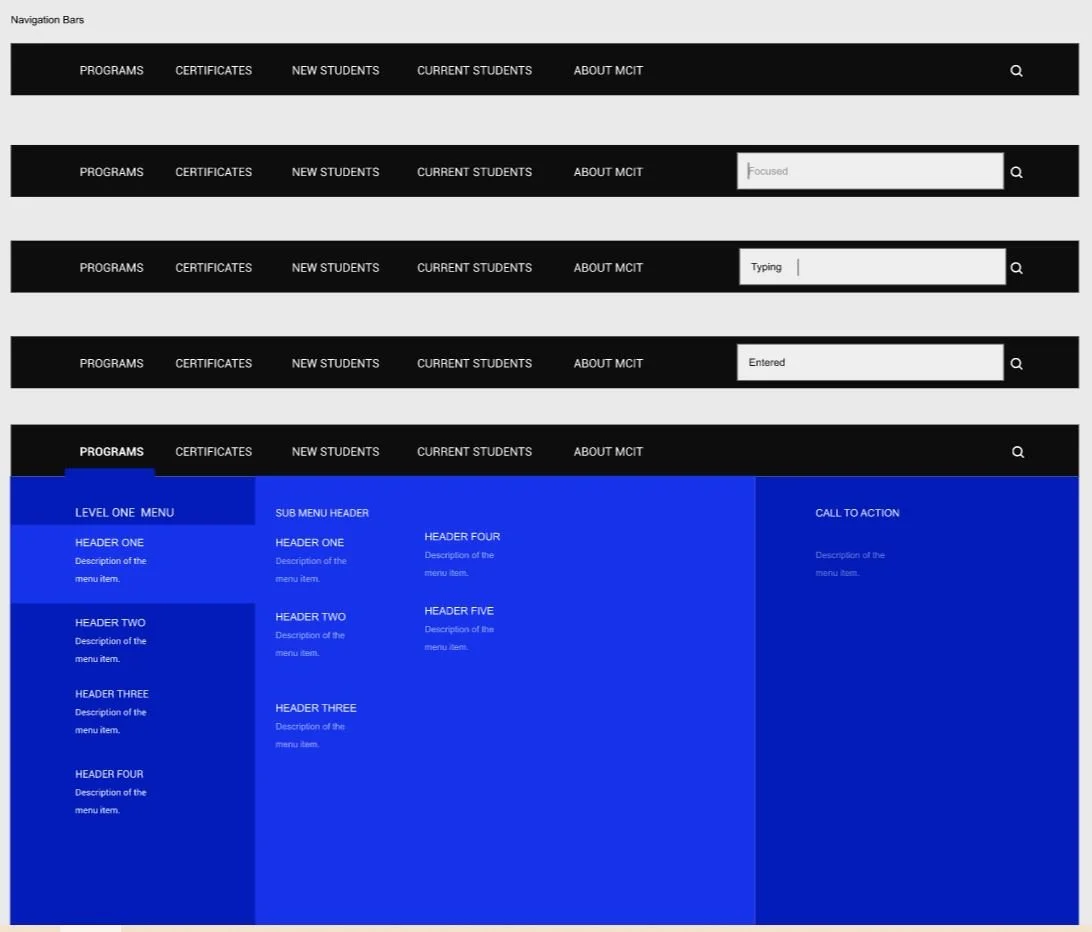
Menu system states View Larger file

Typographic system
To make user linger more on the website we tried to play with a number of type mixing.
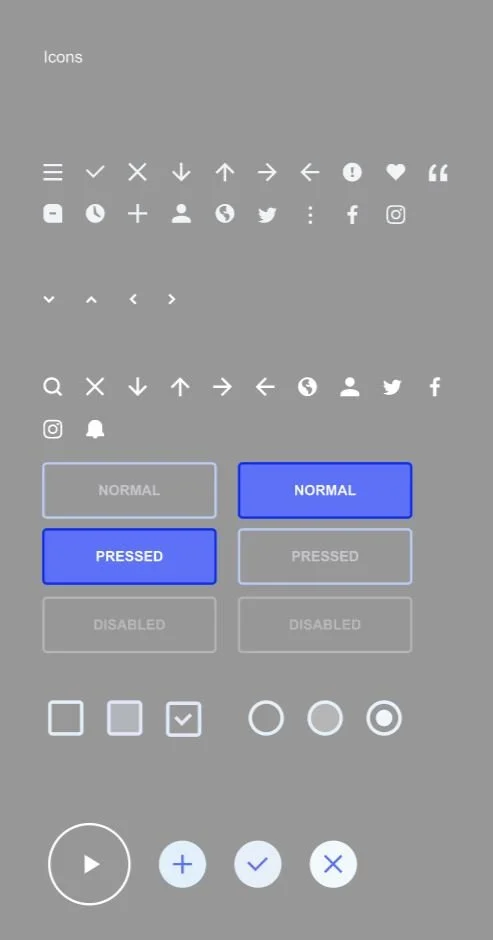
Iconography
Iconography using the material design guidelines.
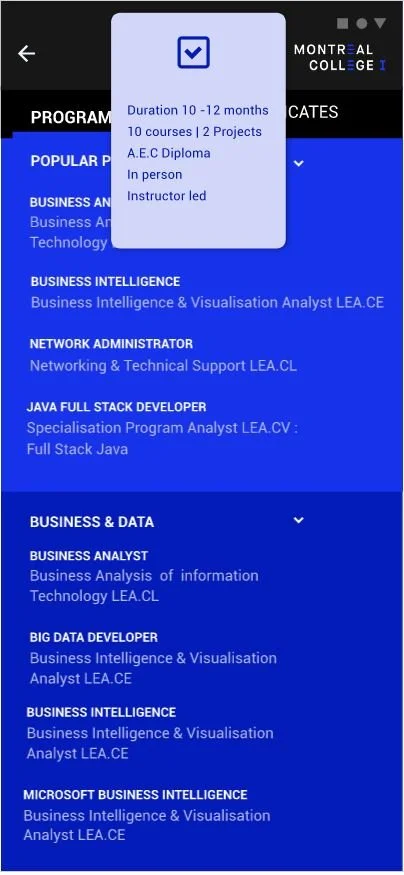
Design Pattern : Peek & Pop
Using peek & pop to give access to additional information on the mobile version of the app.

Hub & Spoke
User navigates back to home by clicking on back arrow from any section.